

Back to home
INTEGRATION
PAYMENT FEATURES
AFTER PAYMENT
E-commerce Integrations
Launch faster with zero code.
SeerBit’s official plugins enable secure, PCI-compliant payments across leading e-commerce platforms and business software. Get started in minutes, not days, with seamless integration and reliable performance
All plugins listed here has the same level of security as other listed integration methods
Before You Start:
- Retrieve API Keys: Log in to your SeerBit Dashboard and navigate to Settings > API Keys to copy your API Keys
- Start in Test Mode: Configure the plugin using Test Keys first. Complete at least one successful test transaction before switching to Live mode
Usage
Use any of our recommended solutions for your platform


WooCommerce
Installation Guide
Enable payments on your WordPress store with SeerBit’s official WooCommerce plugin. Supports cards, bank transfers, and mobile money.
Installation & Setup
- Download Plugin: Get the plugin.
- Install Plugin: Follow the WooCommerce installation guide.
- Configure Settings: Enter your API keys and select Test or Live mode.
Resources


Magento (Adobe Commerce)
Installation Guide
Integrate SeerBit into your Magento 2 checkout for enterprise-grade payment processing.
Installation & Setup
- Install Composer: Composer Installation Guide.
- Install SeerBit Module: Follow instructions in the Magento Module Repository.
- Configure API Keys: Set Test mode before going Live.
Resources


Connect SeerBit to your Wix store without writing code.
Installation & Setup
- Follow the Wix Help Center Guide.
Resources
- Testing Guide
- Wix Integration Documentation


Zoho Books
Installation Guide
Send invoices and receive payments across multiple African countries using SeerBit’s Zoho Books extension.
Prerequisites
- Active Zoho Books account
- Active SeerBit account
- Admin access to both platforms
Installation & Setup
- Enable SeerBit in Zoho Books via the Integration Directory.
Resources
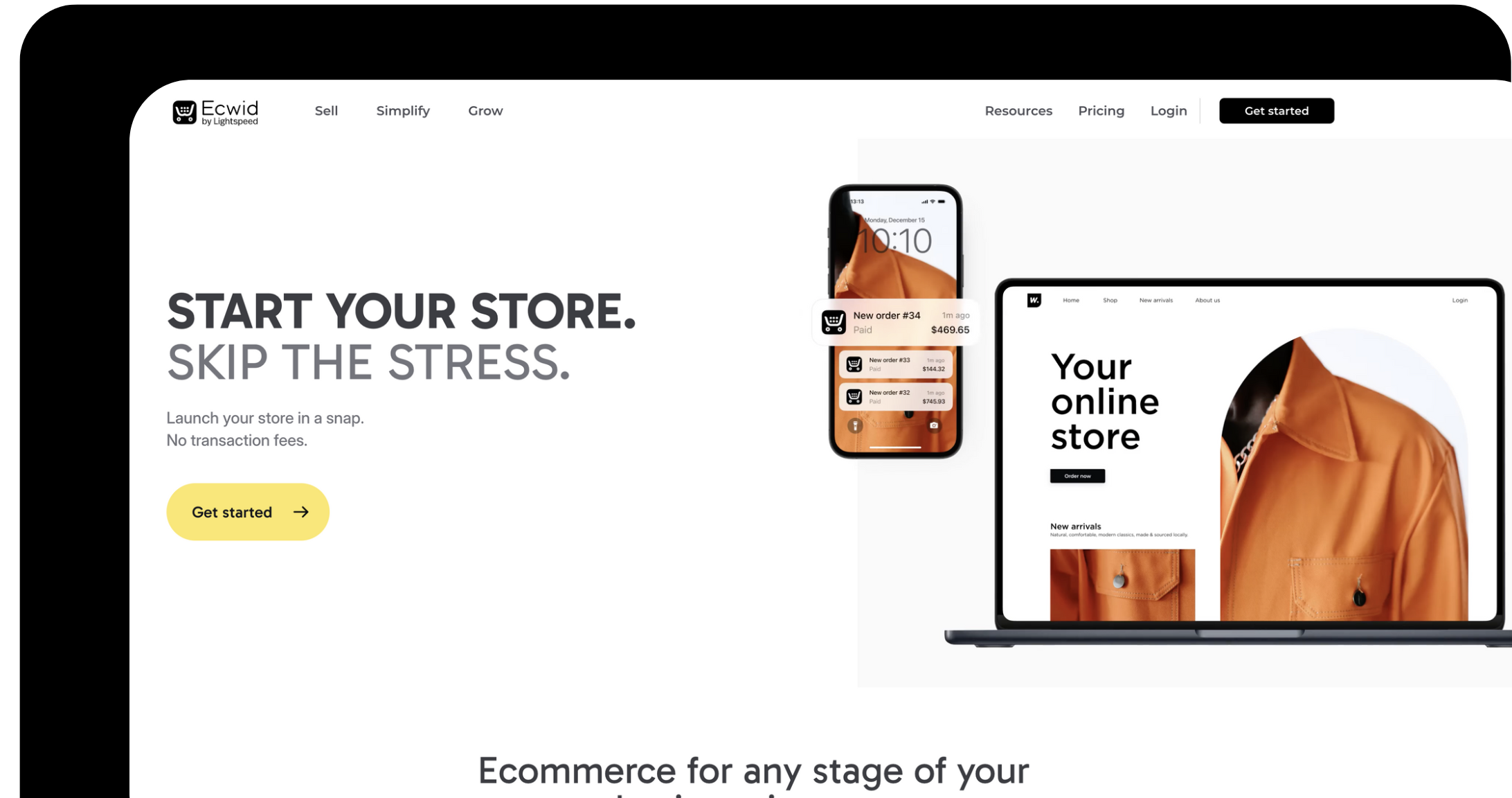

Accept payments on Ecwid storefronts across web and social platforms.
Installation & Setup
- Add SeerBit as a payment method via Ecwid App Store.
Resources


Next Steps After Installation
- Test All Payment Methods: Use SeerBit Test Cards.
- Verify Transactions: Follow the Payment Verification Guide.
- Complete Go-Live Checklist: Ensure all configurations are correct before switching to Live mode.
Notes
Ensure you have your public key. You can find this on the SeerBit Merchant dashboard under accounts > api keys. If you don’t have an account with us yet, you can create a test account now
Need something else?
If you have any questions or need general help, visit our support page
Signup for developer update
You can unsubscribe at any time. Read our privacy policy.